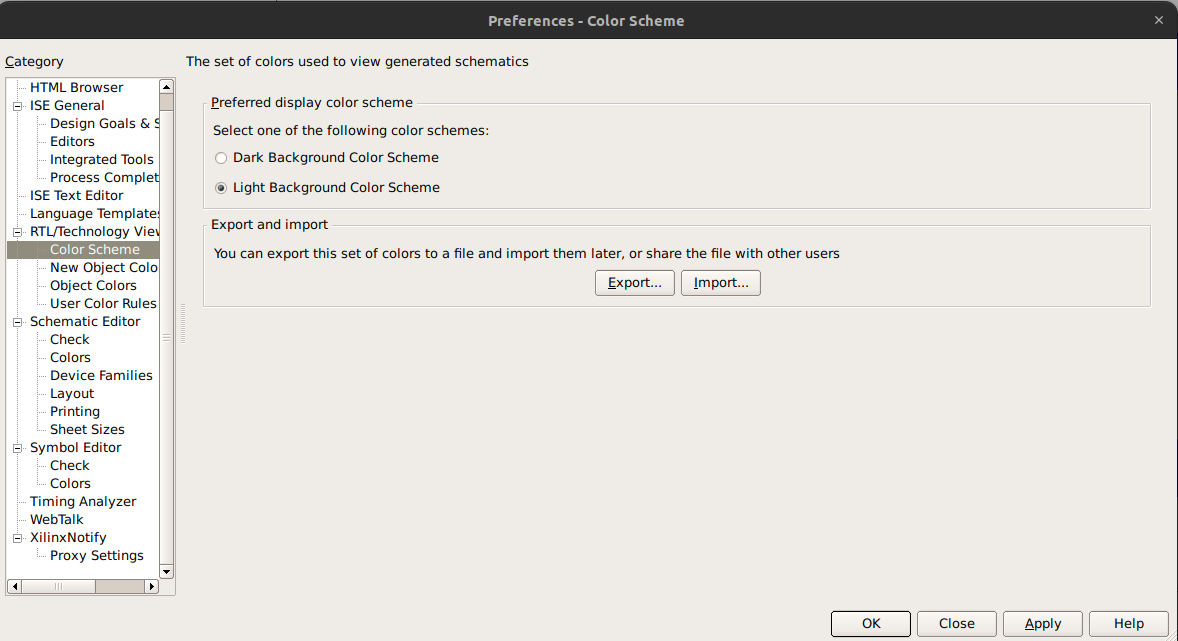
Change Waveform bg colour
How to change waveform colors
- Open your simulation waveform window (ISim).
- In the waveform window:
- Go to Edit → Preferences(or sometimes right-click inside the waveform area and select Preferences)
- Look for section:
- Colors
- You can change:
- Background color (default black)
- Signal color (default green)
- Grid color
- Cursor color
- Apply changes and click OK
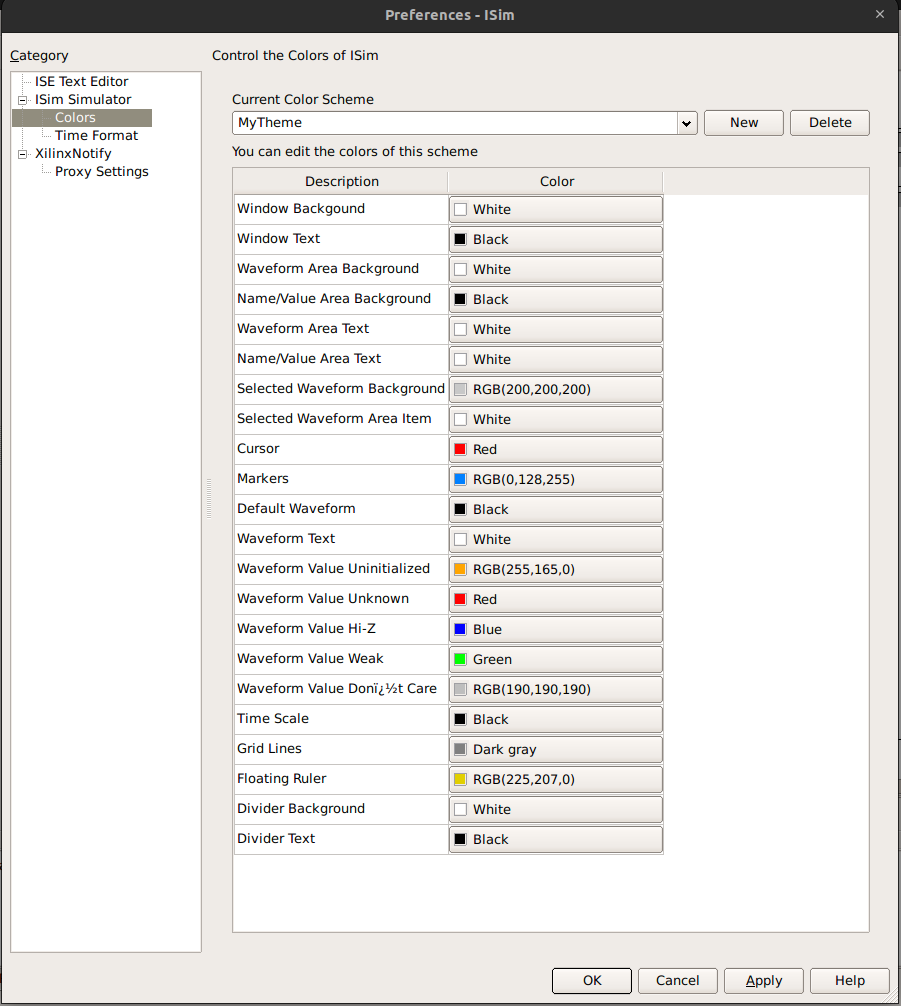
Change these
- Waveform Area Background → White
- Name/Value Area Background → Black
- Window Background → White
- Default Waveform → Blue / Black
- Grid Lines → Dark Gray
- Cursor → Red
- Time Scale → Black
RTL Colour Scheme